Degree Audit Reporting System (DARS)
What is DARS?
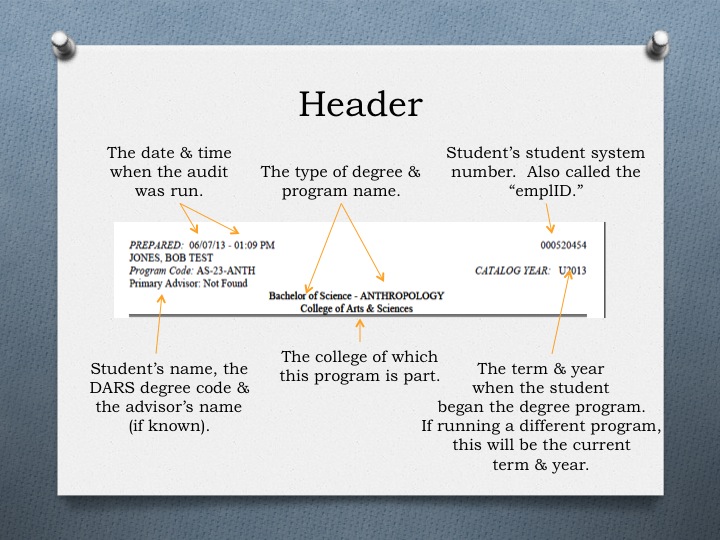
- DARS is a computerized analysis of a student’s academic progress
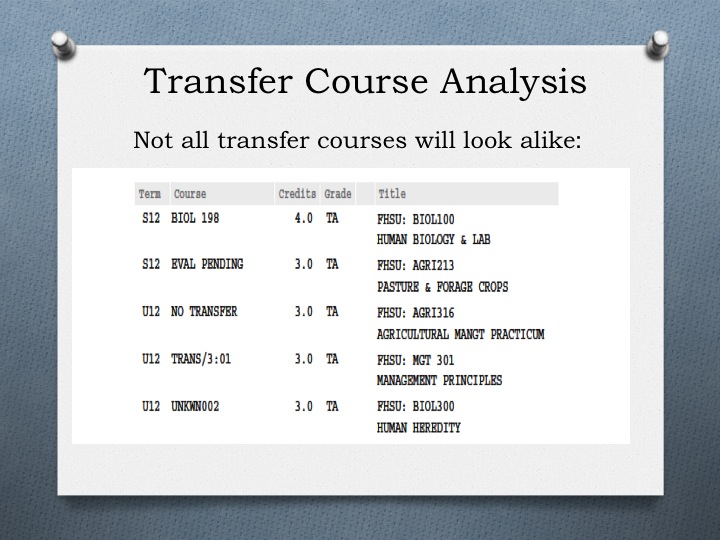
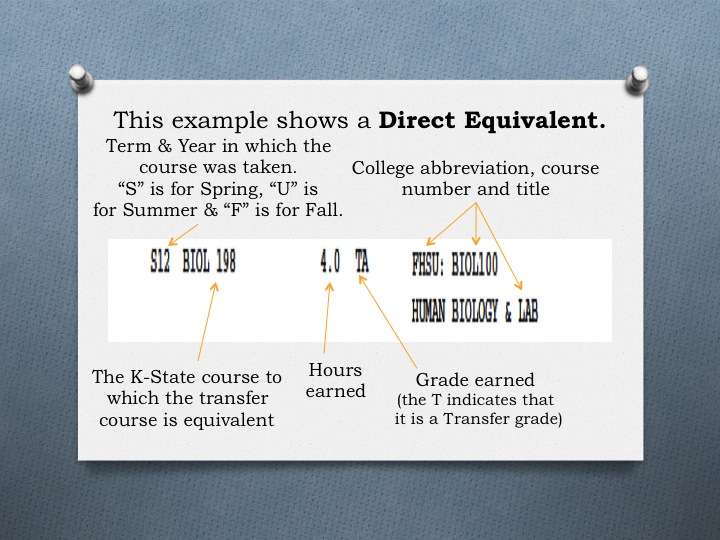
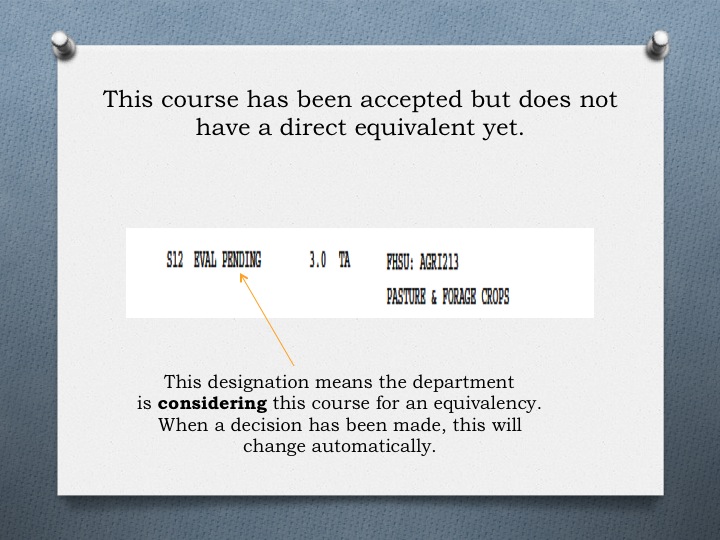
- DARS shows where completed transfer and K-State course work fits in to a degree program
- DARS is a reliable advising tool
- DARS is a reliable tool to check degree completion
How does DARS work?
- Degree programs and transfer equivalency information coded into DARS have been approved by the academic dean’s offices with input from the appropriate academic departments
- DARS report requirements have been encoded by the Registrar’s Office, based on the catalog requirements of degree programs.. DARS transfer equivalency information is mainted by the Office of Admissions
- The DARS program automatically checks to ensure that University and degree specific policies and procedures are followed
- If a department modifies/changes the degree requirements for an individual student, the dean’s office must approve and electronically record the changes. Approved changes will appear on the next run DARS report
How do I access DARS?
- Log in to iSIS at isis.k-state.edu
- In your Student Center, click the Degree Progress (DARS) link on the left hand side
- Select any options you want, click the Submit Report button, and then click OK when prompted
- Click the Results tab
- Click the View Report link beside the Academic Plan (major, minor, etc.) you want to view